Best FPS Gaming Mice Comparison 2026
A spec-first FPS mouse comparison focused on weight, shape, sensor class, click latency, polling behavior, and battery tradeoffs instead of hype.
Affiliate disclosure: As an Amazon Associate, CinderSpire Studio may earn from qualifying purchases through the product links below. Rankings are based on published specifications, official documentation, and cited third-party measurements, not paid placement or fake user reviews.
Quick Verdict
| Mouse | Weight / Sensor | Best Grip | Why Pick It |
|---|---|---|---|
| Logitech G PRO X Superlight 2 | 60g, HERO 2 up to 44K DPI, 8K report rate | Safe palm/claw hybrid | Most universal esports shape |
| Razer Viper V3 Pro | 54g black, Focus Pro 35K Gen-2, 8K HyperPolling | Claw/fingertip | Lightest flagship here with top sensor specs |
| Glorious Model O 2 Wireless | 68g, BAMF 2.0 26K | Fingertip/relaxed claw | Value ultralight with Bluetooth flexibility |
| SteelSeries Aerox 5 Wireless | 74g, TrueMove Air, 9 buttons | Palm/claw, utility binds | FPS plus MMO/MOBA side-button flexibility |
Amazon Gear Picks
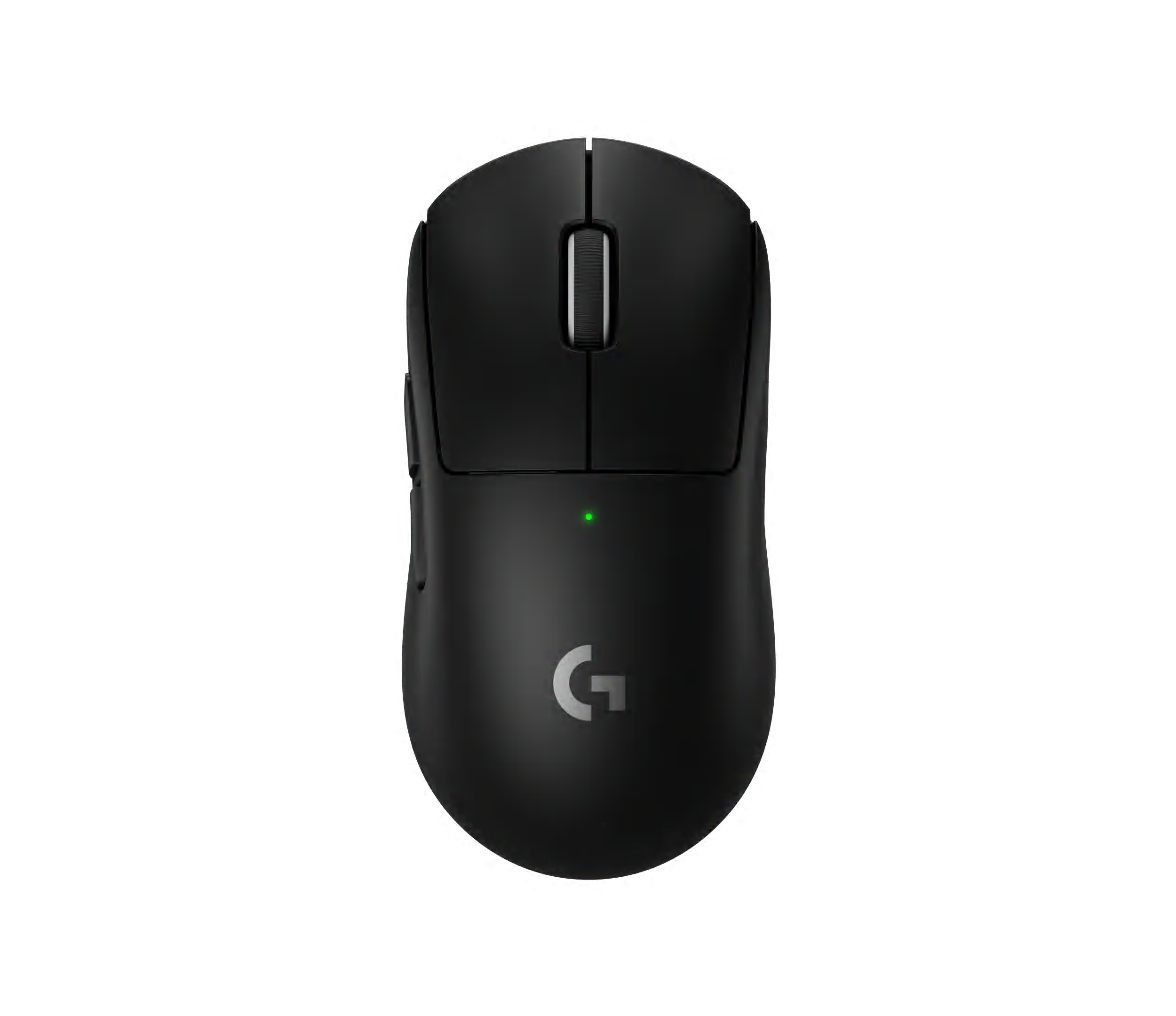


Glorious Model O 2 Wireless
68g, BAMF 2.0 26K optical sensor, 2.4GHz/Bluetooth
Check Price on Amazon
SteelSeries Aerox 5 Wireless
74g, TrueMove Air, nine buttons, 180h Bluetooth mode
Check Price on Amazon

BenQ Zowie U2 Wireless
Driverless esports mouse, stable receiver, claw grip focus
Check Price on AmazonWhat Actually Matters In An FPS Mouse
The best FPS mouse is the one you can stop, start, lift, correct, and click without thinking. Sensor specifications matter, but shape and weight decide whether those specs translate into aim. A flawless sensor in a shape you fight every round is worse than a slightly less exotic sensor in a shell that disappears in your hand.
Weight matters because it changes start-stop control. Sub-60g mice are easier to flick and less tiring during long aim sessions, but extremely light shells can feel unstable for players who rely on palm contact. Around 60g is the safe flagship target. Around 70g is still competitive if the shape is excellent or if extra buttons matter. Above 80g can work, but most modern FPS buyers should have a reason.
Sensor naming is confusing because vendors brand PixArt-derived and custom sensors differently. The user-visible spec sheet will mention DPI, IPS tracking speed, acceleration, lift-off behavior, and polling support. Forum shorthand like PMW3950 or PAW3950-class sensor can be useful, but the implementation, firmware, wireless stack, click latency, and feet matter as much as the silicon family.
Spec Comparison
| Model | Weight | Sensor | Polling / Battery | Best Fit |
|---|---|---|---|---|
| Logitech G PRO X Superlight 2 | 60g | HERO 2, up to 44,000 DPI, 888 IPS per Logitech specs | Up to 8,000Hz; Logitech rates up to 95 hours | Safe shape for many hands |
| Razer Viper V3 Pro | 54g black / 55g white | Focus Pro 35K Gen-2 | 8,000Hz HyperPolling; up to 95 hours at 1,000Hz class | Competitive claw/fingertip |
| Glorious Model O 2 Wireless | 68g | BAMF 2.0, 26,000 DPI | 1,000Hz; up to 110h 2.4GHz and 210h Bluetooth advertised | Budget ultralight, low-profile shell |
| SteelSeries Aerox 5 Wireless | 74g | TrueMove Air | Up to 80+ hours 2.4GHz or 180h Bluetooth per SteelSeries support | FPS plus utility binds |
The Logitech and Razer flagships are the pure FPS picks. Logitech wins on safe shape, ecosystem maturity, and broad pro familiarity. Razer wins if you want an aggressively light shell and top published sensor specs. Glorious wins on value if the Model O shape fits your hand. SteelSeries wins if you play shooters but also need extra buttons for abilities, push-to-talk, pings, or MMO utility.
Polling rate is useful but expensive in battery life. The difference between 1,000Hz and 4,000Hz or 8,000Hz can be measurable, but it is not magic. Higher polling asks the PC to process more mouse reports, can reduce battery life, and may not matter if your game frame rate, monitor refresh, and human aim consistency are the limiting factors. Many competitive players settle on 2,000Hz or 4,000Hz as a practical middle ground when available.
Shape And Grip
Grip style should guide the shortlist. Palm grip wants rear support and a fuller hump. Claw grip wants a stable rear hump, controlled width, and button height that allows fast taps. Fingertip grip wants lower weight, shorter length, and a shell that does not force palm contact. Ambidextrous-style shapes dominate FPS because they allow micro-adjustment from different grips.
Hand size also changes the answer. A mouse that feels nimble in a large hand may feel long and nose-heavy in a small hand. If you cannot test in person, compare length, width at grip, height, and hump position against a mouse you already know. Do not rely only on product photos; two mice can look similar from the top and feel completely different because the sides curve differently.
Feet, Pads, And Lift-Off Distance
Mouse feet and pad choice affect aim more than many sensor upgrades. Pure PTFE feet on a clean cloth pad give predictable glide for most FPS players. Glass pads are fast and consistent but expose shaky stopping technique. Muddy control pads help tac-shooter precision but can feel slow in tracking-heavy games. Replace worn feet before replacing the mouse if the shell and clicks still suit you.
Lift-off distance matters if you reset the mouse frequently. Low lift-off prevents accidental cursor movement during resets, but too-low settings can cause tracking loss on some pads. Use the manufacturer's software to tune lift-off only after you test the mouse on your actual pad. Keep DPI simple: 400, 800, or 1600 DPI with in-game sensitivity adjusted is easier to reproduce than unusual DPI values across games.
Which Mouse Should You Buy?
If you are upgrading from a heavy mouse, lower your sensitivity slightly and give the new shell a week. The first day with a lighter mouse often feels twitchy because your hand is still using old force habits. Do not judge a new mouse only from one deathmatch session.
- Safest blind buy: Logitech G PRO X Superlight 2, because the shape works for many players.
- Pure lightweight flagship: Razer Viper V3 Pro, especially for claw and fingertip users.
- Budget ultralight: Glorious Model O 2 Wireless if you like low-profile shells.
- Hybrid FPS and ability games: SteelSeries Aerox 5 Wireless for extra programmable buttons.
How To Use This Guide Without Overbuying
Use the tables as a decision filter, not as a command to buy the most expensive item. A good gaming purchase starts with the bottleneck you can prove: input latency, frame rate, stream stability, voice clarity, table workflow, display motion, or laptop thermals. Once the bottleneck is clear, compare the specification that actually affects it. For keyboards that might be actuation behavior and layout. For a PC it is usually the GPU and monitor target. For software it is reliability, encoder support, and how quickly a creator can recover when something breaks five minutes before going live.
Prices and Amazon listings move faster than published specifications. Treat the affiliate cards as live availability shortcuts and the citations as the stable evidence layer. If a listing changes configuration, color, RAM amount, switch type, display panel, or included accessory, follow the specification table instead of the product title. This is especially important for gaming laptops, prebuilt bundles, monitors, and peripherals with regional variants. Two products can share the same retail name while using different screens, sensors, switches, power limits, or firmware options.
The practical buying process is: define the use case, check the cited manufacturer or platform documentation, compare at least two alternatives, read measured testing where available, then buy only if the return policy gives you enough time to test the product in your own setup. For physical gear, test comfort, noise, heat, cable routing, and software behavior immediately. For software and online tools, run a private rehearsal with the exact scenes, bots, maps, or rules you expect to use. The best choice is the one that keeps working after the initial setup excitement fades.
Sources And Methodology
We prioritized official manufacturer specifications, official software documentation, and specialist test labs where available. Pricing, availability, and Amazon listings can change quickly, so use the product links as a live availability check and the specification tables as the stable decision layer.
- Logitech PRO X Superlight 2 Official Specs
- Razer Viper V3 Pro Official Specs
- Razer Viper V3 Pro Support Specs
- Glorious Model O 2 Wireless Specs
- SteelSeries Aerox 5 Official Specs
- RTINGS G PRO X Superlight 2 Review
Frequently Asked Questions
Is the G Pro X Superlight 2 still worth it?
Yes, because the shape is safe, the HERO 2 sensor specs are strong, and Logitech's wireless implementation is mature. It is not the lightest flagship anymore, but it remains one of the easiest high-end FPS mice to recommend blindly.
Is the Razer Viper V3 Pro better than Superlight 2?
It depends on grip. The Viper V3 Pro is lighter and has excellent published sensor specs. The Superlight 2 has a safer shape for many hands. Claw and fingertip users often prefer the Viper; palm-claw hybrid users may prefer Logitech.
Do I need 8K polling?
Not necessarily. It can reduce report interval, but it also increases battery drain and CPU polling overhead. If you do not play on a high-refresh monitor with high FPS, 1K to 4K is often the practical range.
What mouse weight is best for FPS?
Around 50g to 65g is the modern competitive sweet spot for many players. Heavier mice can still work if the shape is excellent, but a very heavy mouse requires more force for quick corrections and longer sessions.
Is Bluetooth good for competitive gaming?
No. Use 2.4GHz wireless or wired mode for competitive FPS. Bluetooth is useful for laptops, travel, and battery life, but it adds latency and is not the right mode for ranked shooters.
Does DPI matter more than sensor model?
DPI is mostly a sensitivity setting. Use a modern sensor from a reputable gaming mouse, then pick a DPI you can reproduce across systems. Shape, weight, click feel, feet, pad, and wireless latency matter more than extremely high DPI marketing.
Should I buy a mouse with holes?
Only if you like the feel and can keep it clean. Honeycomb shells reduce weight but can collect dust and feel different under the palm. Modern solid-shell mice are light enough that holes are no longer required for competitive weight.
What mouse is best for Valorant or CS2?
A light, stable, low-latency mouse with a shape you control is best. The Logitech G PRO X Superlight 2 and Razer Viper V3 Pro are the safest flagship choices, while Zowie remains popular for players who prefer driverless esports simplicity.
Related CinderSpire Tools And Guides
These internal tools help turn the buying advice into real play, streaming, or tabletop prep workflows.