Best Mechanical Keyboards For Gaming 2026
A practical comparison of gaming keyboards and switch families, built from manufacturer switch specs, RTINGS keyboard testing guidance, and layout tradeoffs for FPS, MMO, streaming, and tabletop setups.
Affiliate disclosure: As an Amazon Associate, CinderSpire Studio may earn from qualifying purchases through the product links below. Rankings are based on published specifications, official documentation, and cited third-party measurements, not paid placement or fake user reviews.
Quick Verdict
| Best For | Recommendation | Why It Wins | Watch-Out |
|---|---|---|---|
| Competitive FPS | Wooting 60HE+ or Razer Huntsman V3 Pro TKL | Adjustable actuation and rapid trigger help repeated counter-strafing inputs. | Magnetic switch ecosystems are not the same as universal MX hot-swap. |
| Mainstream Mechanical | Corsair K70 CORE TKL | RTINGS highlights the K70 CORE family as a strong budget gaming choice with low latency. | Soldered or brand-specific switches limit long-term tinkering. |
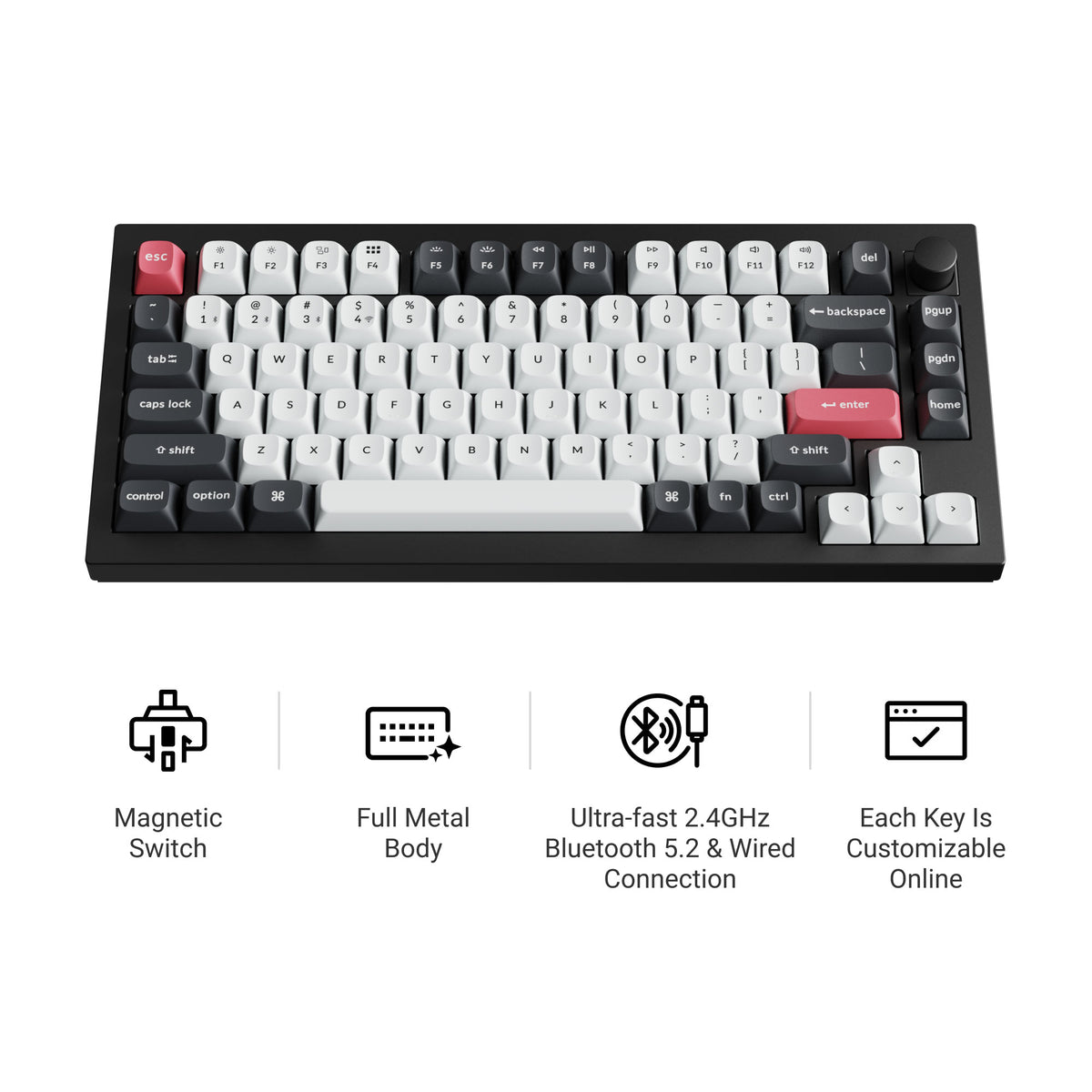
| Custom Feel | Keychron Q1 HE or Q1 Max | Heavy case, gasket mounting, and remapping make it better for mixed typing and gaming. | A 75% layout needs a short adjustment period if you rely on a numpad. |
| Quiet Shared Room | Linear or silent tactile switches | Smooth linears and dampened switches keep Discord mics cleaner than clicky switches. | Avoid Cherry MX Blue-style clickies near open microphones. |
Amazon Gear Picks

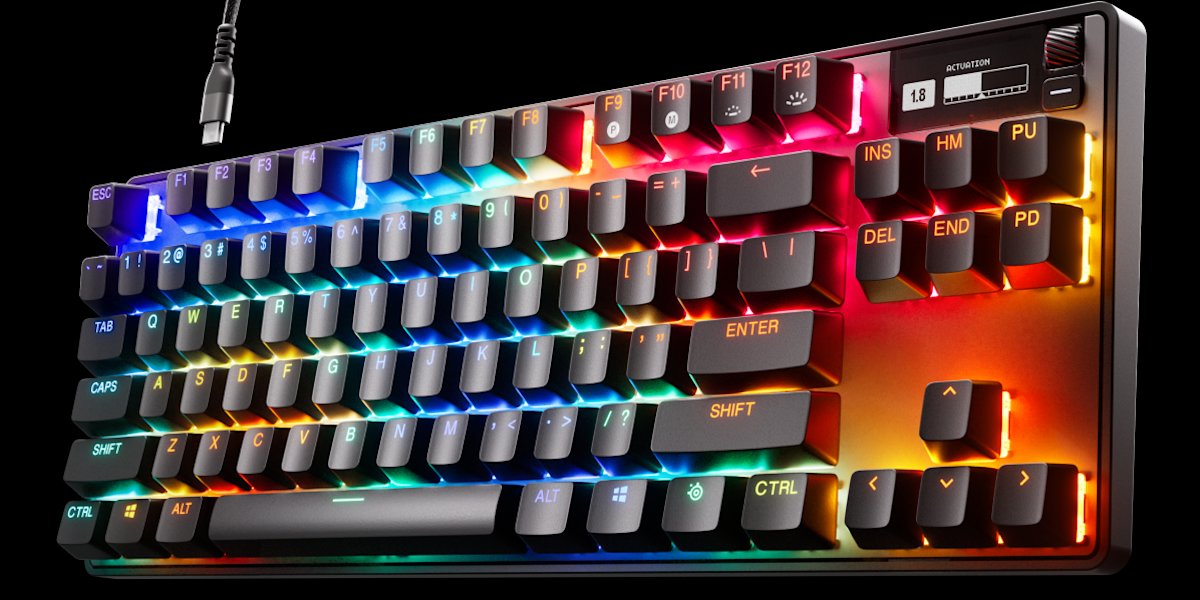
SteelSeries Apex Pro TKL
TKL, OmniPoint adjustable switches, OLED smart display
Check Price on Amazon
How The 2026 Keyboard Market Splits
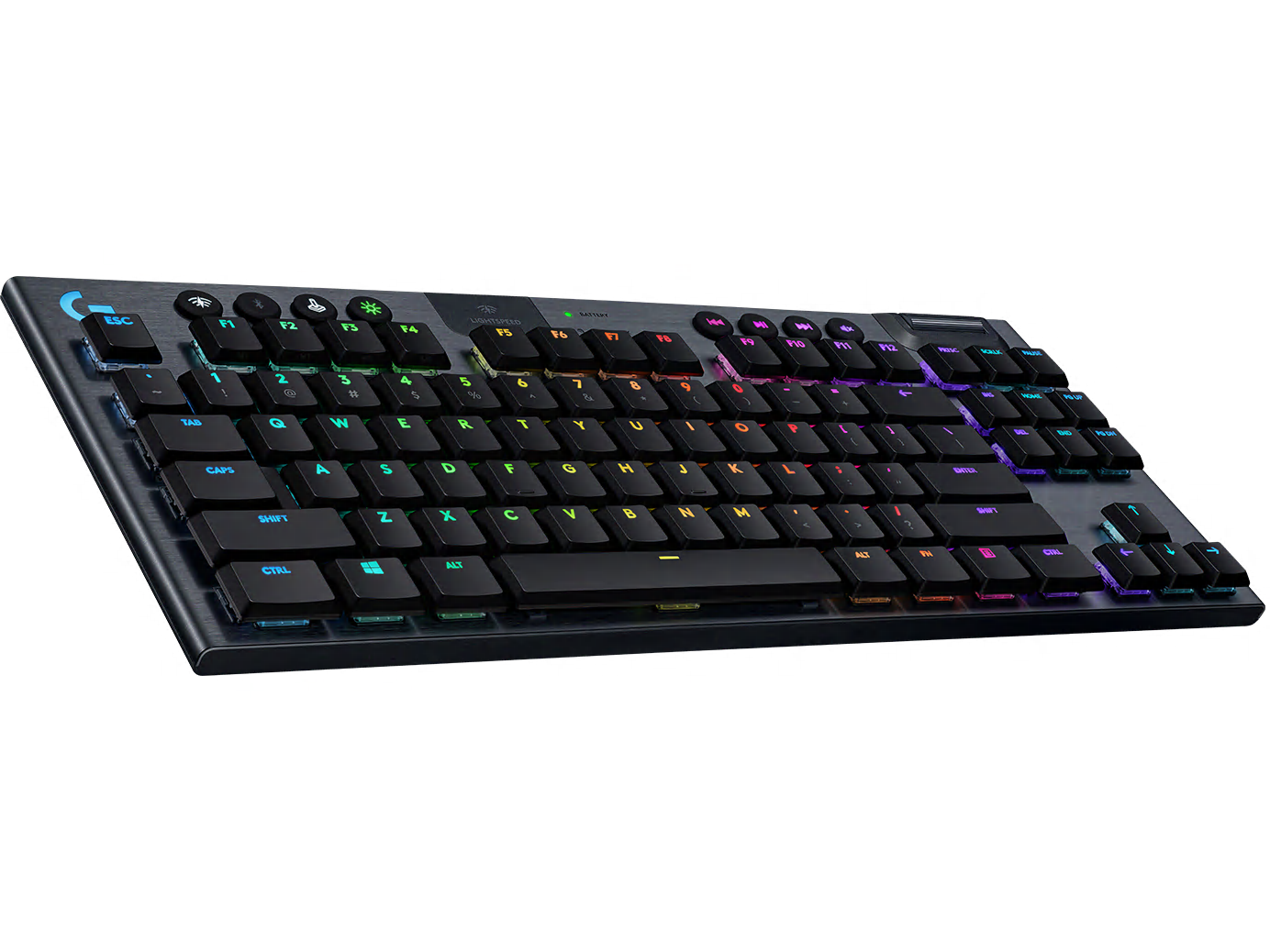
The gaming keyboard market is now split into three real categories: traditional mechanical boards, magnetic or Hall effect boards, and low-profile wireless boards. Traditional MX-style mechanical keyboards still win for the largest switch ecosystem, because Cherry MX, Gateron, Kailh, TTC, Akko, and many boutique switches share a common cross-stem keycap standard. Hall effect keyboards win when you care about adjustable actuation, rapid trigger behavior, and analog-like control. Low-profile wireless boards win when desk height, portability, and battery life matter more than custom switch culture.
For most players, the correct first decision is not brand. It is switch behavior. Linear switches move smoothly from top to bottom and are easiest to recommend for FPS because every press feels predictable. Tactile switches add a bump before actuation, which helps MMO, MOBA, and productivity users confirm inputs without bottoming out. Clicky switches add both tactile and audible feedback; they can feel excellent for solo typing, but they are the easiest way to annoy teammates when your microphone gate opens during a raid or ranked match.
RTINGS keyboard methodology puts latency, switch type, build quality, comfort, and feel at the center of gaming keyboard recommendations. That is the right order. A board with a beautiful aluminum case but sloppy wireless latency is not a competitive keyboard. A fast board with unstable stabilizers can still be tiring over a full workday. The top picks here are therefore grouped by use case rather than pretending a single board is perfect for every gamer.
Switch Types: Linear, Tactile, Clicky, And Magnetic
| Switch Family | Feel | Typical Spec Anchor | Best Gaming Use | Main Risk |
|---|---|---|---|---|
| Cherry MX Red / Gateron Yellow | Smooth linear | Cherry MX Red lists 45 cN force, 2.0 mm pre-travel, 4.0 mm travel, and over 100 million keystrokes. | FPS, action games, fast repeated inputs | Accidental presses if your fingers rest heavily. |
| Cherry MX Brown / Gateron Brown | Light tactile bump | Cherry MX Brown uses a 2.0 mm pre-travel and 4.0 mm travel platform with tactile feedback. | MMO, RPG, work plus gaming | Some users find the bump too subtle. |
| Cherry MX Blue / Kailh BOX White | Clicky and tactile | Cherry MX Blue uses a longer 2.2 mm pre-travel and audible click behavior. | Solo typing, retro feel, non-shared rooms | Discord mic bleed and office noise. |
| Hall effect / analog magnetic | Usually smooth linear with adjustable actuation | RTINGS notes rapid trigger and adjustable actuation benefits on Hall effect gaming boards. | Valorant, CS2, rhythm games, movement-heavy FPS | Switch compatibility is often vendor-specific. |
Cherry MX remains the reference because its spec sheets are consistent and easy to compare. The MX2A Red page, for example, publishes a 45 cN operating force, 2.0 mm pre-travel, 4.0 mm total travel, lubrication, and a greater-than-100-million keystroke rating. That is a useful baseline for any linear gaming switch. Gateron tends to target smoother factory feel at lower prices, especially with pre-lubed Pro and Oil King style switches. Kailh is more experimental: BOX designs protect the stem differently, and Kailh click bars create a sharper click than classic Cherry click jackets.
The common mistake is treating actuation distance as the whole story. A shorter actuation point can help the first press register earlier, but fixed mechanical switches still reset at a physical point. Magnetic rapid trigger changes the reset behavior dynamically. That is why Hall effect boards feel different in strafing drills and rhythm games even when their nominal actuation point is set near a normal mechanical switch.
Hot-Swap And Form Factor Buying Rules
Hot-swap sockets are worth paying for if you expect to keep a keyboard longer than one switch trend. A true MX hot-swap PCB lets you pull a switch with a switch puller and drop in another compatible 3-pin or 5-pin MX-style switch. That is useful when you discover that you prefer Gateron Yellow linears for gaming but Boba U4T tactiles for writing. It also makes repair easier, because a single failing switch does not require soldering or replacing the full keyboard.
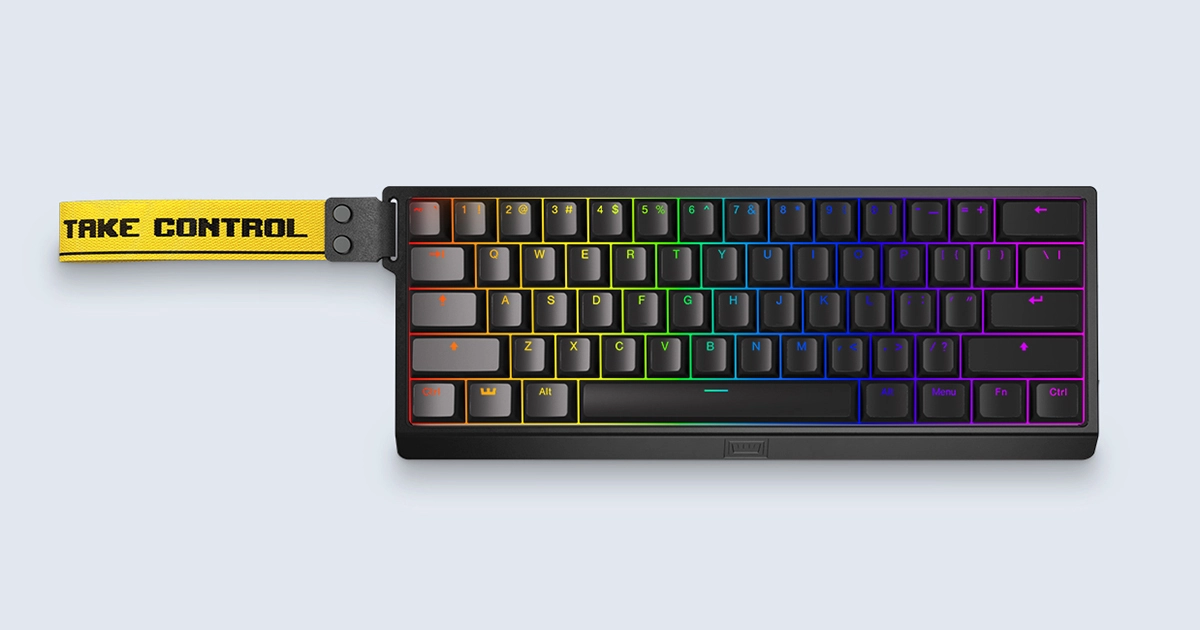
Compact form factors should be chosen around what you actually press. Full-size boards keep the numpad but push your mouse farther right. TKL keeps function keys and arrows while reclaiming mouse space, which is why it remains the safest gaming layout. 75% boards compress TKL controls into a smaller shell and are excellent for mixed desks. 65% keeps arrows but drops the function row. 60% maximizes mouse room, but the function layer is a real productivity cost if you use F-keys, screenshots, tilde, or dedicated arrows every day.
The best 2026 purchase path is simple: choose TKL if you are unsure, choose 75% if you want premium custom-board feel, choose 60% only if your game and workflow tolerate layers, and choose full-size only if spreadsheets or simulator binds genuinely use the numpad. For tabletop play, a TKL or 75% board pairs cleanly with a browser-based dice roller, VTT window, Discord, and notes without consuming the whole desk.
What To Buy By Game Type
The expensive board is not always the best board. A $250 Hall effect keyboard is justified if you actively use rapid trigger or per-key actuation profiles. A $120 TKL mechanical keyboard with good stabilizers and sane software is a better buy for many RPG, strategy, and casual FPS players. If you want to experiment, spend money on hot-swap and good keycaps before chasing exotic polling rates.
- Valorant, CS2, Apex, Overwatch: prioritize low latency, adjustable actuation, light linear feel, and a TKL or smaller footprint.
- MMO and ARPG: consider tactile switches, macro support, and a TKL or full-size board if you bind many utility keys.
- Streaming: avoid loud clicky switches unless your mic setup has strong gating and your audience likes keyboard sound.
- Tabletop RPG and writing: tactile or well-lubed linear switches are more comfortable for long note-taking sessions than ultra-short esports switches.
How To Use This Guide Without Overbuying
Use the tables as a decision filter, not as a command to buy the most expensive item. A good gaming purchase starts with the bottleneck you can prove: input latency, frame rate, stream stability, voice clarity, table workflow, display motion, or laptop thermals. Once the bottleneck is clear, compare the specification that actually affects it. For keyboards that might be actuation behavior and layout. For a PC it is usually the GPU and monitor target. For software it is reliability, encoder support, and how quickly a creator can recover when something breaks five minutes before going live.
Prices and Amazon listings move faster than published specifications. Treat the affiliate cards as live availability shortcuts and the citations as the stable evidence layer. If a listing changes configuration, color, RAM amount, switch type, display panel, or included accessory, follow the specification table instead of the product title. This is especially important for gaming laptops, prebuilt bundles, monitors, and peripherals with regional variants. Two products can share the same retail name while using different screens, sensors, switches, power limits, or firmware options.
The practical buying process is: define the use case, check the cited manufacturer or platform documentation, compare at least two alternatives, read measured testing where available, then buy only if the return policy gives you enough time to test the product in your own setup. For physical gear, test comfort, noise, heat, cable routing, and software behavior immediately. For software and online tools, run a private rehearsal with the exact scenes, bots, maps, or rules you expect to use. The best choice is the one that keeps working after the initial setup excitement fades.
Sources And Methodology
We prioritized official manufacturer specifications, official software documentation, and specialist test labs where available. Pricing, availability, and Amazon listings can change quickly, so use the product links as a live availability check and the specification tables as the stable decision layer.
- RTINGS Best Gaming Keyboards 2026
- RTINGS Mechanical Switches For Gaming
- Cherry MX Red Official Specs
- Cherry MX Brown Official Specs
- Cherry MX Blue Official Specs
- Gateron Product Specification Example
Frequently Asked Questions
Are linear switches always best for gaming?
No. Linear switches are the safest competitive FPS recommendation because they are smooth and predictable, but tactile switches can be better for MMO, RPG, strategy, and mixed work use. The best switch is the one you can press accurately for hours without fatigue.
Is Hall effect better than mechanical?
Hall effect is better for adjustable actuation and rapid trigger behavior. Traditional mechanical switches are better for variety, custom feel, clicky and tactile options, and broad hot-swap compatibility. Buy Hall effect if the game mechanic matters; buy mechanical if feel and customization matter more.
Cherry MX vs Gateron vs Kailh: which is safest?
Cherry MX is the safest specification baseline, Gateron is often smoother per dollar, and Kailh is strongest when you want BOX clicky or unusual switch designs. For a first board, a pre-lubed linear or light tactile from a reputable brand is safer than a very heavy or very loud switch.
Do I need 8,000Hz polling on a keyboard?
Usually no. Keyboard latency is affected by scanning, debounce, firmware, USB polling, and software. Competitive players may value very high polling on premium boards, but most users notice switch feel, layout, and stabilizer quality sooner than the jump from 1,000Hz to 8,000Hz.
Is a 60% keyboard too small?
It can be. A 60% keyboard removes arrows, function keys, and navigation keys from dedicated positions. It is excellent for mouse room in FPS games, but it adds layer friction for work, VTT shortcuts, screenshots, and games that use function keys.
Are hot-swap keyboards reliable?
Good hot-swap sockets are reliable for normal switch changes, but they are not meant for careless daily swapping. Support the PCB, pull switches straight, and verify whether the board supports 3-pin, 5-pin, or vendor-specific magnetic switches before buying replacements.
What keyboard should streamers avoid?
Streamers should be careful with clicky switches. They sound satisfying in person but can bleed into dynamic microphones and distract viewers. A smooth linear, silent linear, or light tactile board is usually easier to mix cleanly with game audio and voice.
What is the best layout for most gamers?
TKL is still the safest default. It keeps function keys and arrows, removes the numpad, and gives the mouse more room. If you already know you do not need F-keys, 65% can work. If you need a numpad, buy full-size and use a larger desk mat.
Related CinderSpire Tools And Guides
These internal tools help turn the buying advice into real play, streaming, or tabletop prep workflows.