Gaming Monitor Buying Guide 2026: Refresh Rate, OLED, HDR, FreeSync, And G-Sync
A monitor decision guide that separates real gaming performance from box-label marketing, with RTINGS testing context and VESA DisplayHDR criteria.
Affiliate disclosure: As an Amazon Associate, CinderSpire Studio may earn from qualifying purchases through the product links below. Rankings are based on published specifications, official documentation, and cited third-party measurements, not paid placement or fake user reviews.
Quick Verdict
| Priority | Best Target | Why | Avoid |
|---|---|---|---|
| Competitive FPS | 24-27 inch, 240Hz to 360Hz, fast IPS or OLED | Motion clarity and low input lag matter most | Slow VA panels with smeared dark transitions |
| Single-player AAA | 27-32 inch 1440p/4K OLED or Mini-LED | Contrast and HDR improve immersion | DisplayHDR 400-only marketing if HDR matters |
| Budget Build | 27 inch 1440p 165Hz IPS | Best price-to-clarity ratio | 1080p 27 inch if you sit close |
| Work Plus Gaming | 32 inch 4K IPS/Mini-LED or OLED with care | Sharp text and large workspace | OLED if static office windows dominate all day |
Amazon Gear Picks
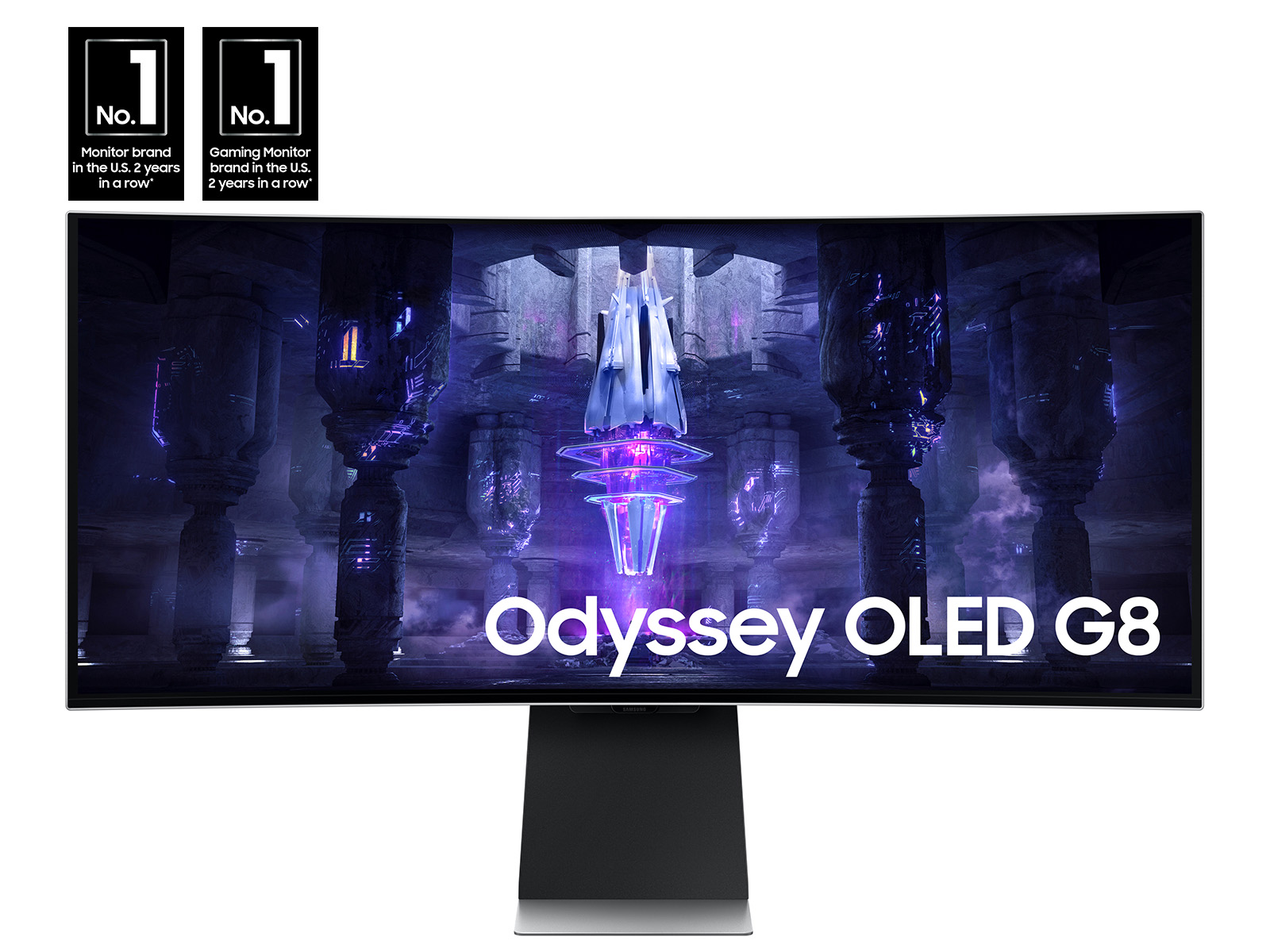
Samsung Odyssey OLED G8
34-inch ultrawide QD-OLED, 175Hz, HDR True Black class
Check Price on Amazon
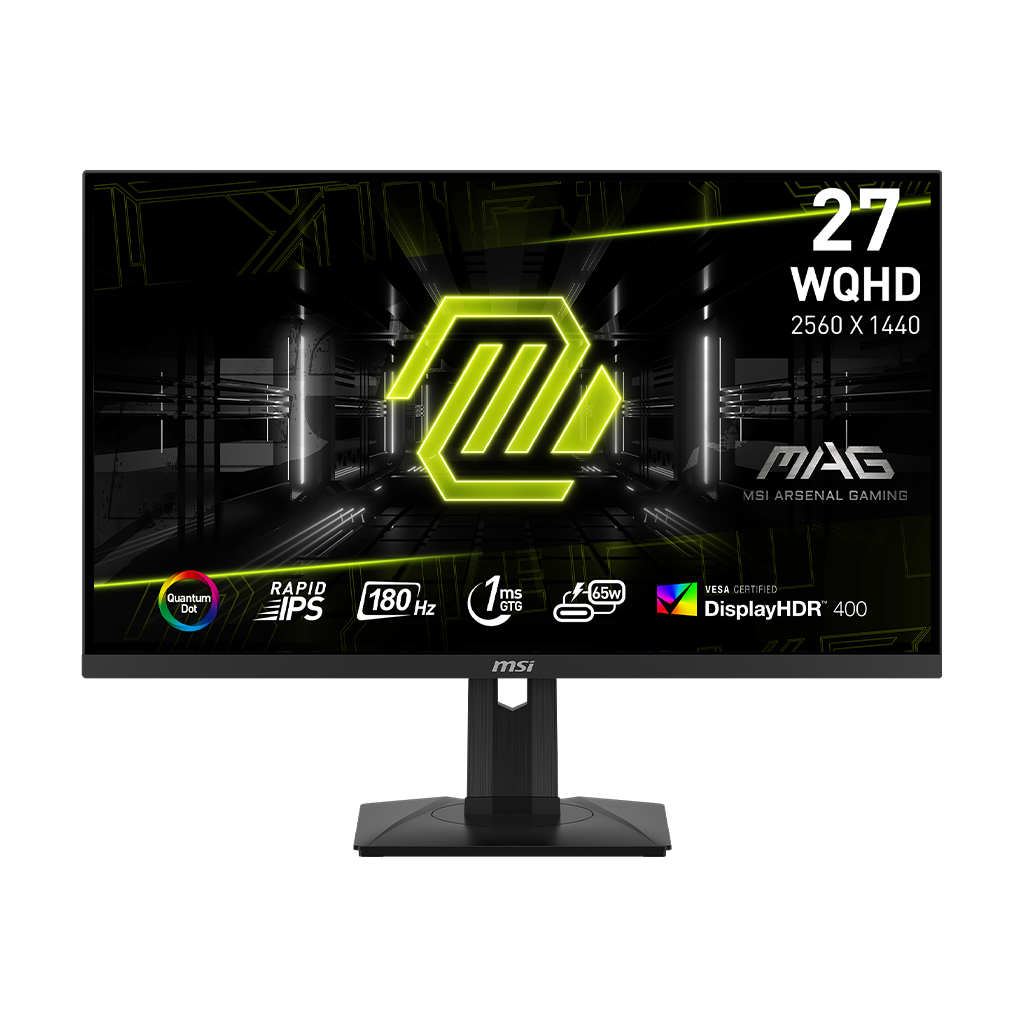
Refresh Rate: 144Hz, 165Hz, 240Hz, 360Hz
Refresh rate is the number of times per second a monitor can update the image. The jump from 60Hz to 144Hz is dramatic. The jump from 144Hz to 240Hz is still visible for competitive players. The jump from 240Hz to 360Hz is narrower and mostly matters if your PC can feed the panel with consistently high frame rates and you play games where aim tracking decides outcomes.
For most buyers, 1440p 165Hz is the value baseline in 2026. It is sharp enough for desktop use, easier to drive than 4K, and fast enough for most games. A 240Hz panel is worth buying if you play shooters and your GPU can keep average and 1% low frame rates near the monitor's range. A 360Hz panel is specialized; it makes sense for esports, not for cinematic RPGs locked around 80 to 120 FPS.
Do not buy a refresh rate your PC cannot use. If a game runs at 90 FPS, a 360Hz monitor will still have good latency characteristics, but the visible smoothness is constrained by the game output. Use the Gaming PC Build Guide to match the GPU tier to the display target.
Response Time: GtG vs MPRT
| Term | Means | Useful For | Marketing Trap |
|---|---|---|---|
| GtG | Gray-to-gray pixel transition time | Comparing panel motion behavior | Quoted 1ms may require unusable overdrive |
| MPRT | Moving picture response time, often tied to backlight strobing | Motion blur reduction modes | Can look fast while reducing brightness or disabling VRR |
| Input Lag | Delay from signal to visible change | Competitive responsiveness | Different from pixel response time |
| Overshoot | Inverse ghosting caused by aggressive overdrive | Checking whether response mode is usable | Fastest mode is often not best mode |
OLED panels have a real advantage because their pixel transitions are extremely fast, often advertised around 0.03ms GtG. That does not automatically make every OLED the best esports monitor, because brightness behavior, text rendering, burn-in care, and refresh rate still matter. But for motion clarity without LCD overdrive artifacts, OLED is excellent.
RTINGS monitor reviews are useful because they measure response behavior, input lag, HDR brightness, contrast, reflections, and color instead of repeating the box label. When a monitor advertises 1ms, check whether that is a usable overdrive mode or a mode with ugly inverse ghosting. The best setting is usually the balanced overdrive preset, not the extreme preset.
Panel Types: IPS, VA, OLED, Mini-LED
IPS is the safe mainstream choice. It offers good colors, wide viewing angles, fast enough response on modern gaming panels, and reasonable prices. VA offers stronger native contrast than IPS, but cheaper VA panels can smear dark transitions, which hurts fast games. OLED offers perfect black levels, pixel-level contrast, and outstanding motion, but it needs burn-in mitigation and is more expensive. Mini-LED is an LCD backlight technology that can deliver strong HDR brightness and local dimming without OLED burn-in behavior, but haloing and zone count matter.
For competitive shooters, pick fast IPS or OLED. For horror games, space games, and cinematic RPGs, OLED or Mini-LED gives darker blacks and better HDR impact. For strategy and desktop-heavy work, IPS still makes sense because static UI risk is low and text clarity is predictable.
HDR And VESA DisplayHDR
HDR is the most abused monitor feature. VESA's DisplayHDR program gives buyers a more concrete label system. The DisplayHDR site lists LCD tiers such as DisplayHDR 400, 500, 600, 1000, and 1400, plus True Black tiers for OLED and emissive displays. Higher tiers require more demanding luminance and contrast behavior. DisplayHDR 400 can confirm basic capability, but it should not be treated as the same class as DisplayHDR 1000 or True Black OLED.
If HDR matters, look for OLED, a strong Mini-LED backlight with meaningful dimming zones, or a high DisplayHDR tier. Also read measured HDR brightness and EOTF behavior. A monitor can accept an HDR signal and still look worse than SDR if it lacks brightness, local dimming, or tone-mapping discipline.
FreeSync, G-Sync, And VRR
Variable refresh rate is worth enabling for nearly everyone. It reduces tearing and pacing artifacts when the game's frame rate moves inside the monitor's VRR window. For esports players who chase the lowest possible latency, settings can be tuned per game, but for normal play, VRR plus a sensible frame cap below max refresh is the smooth default.
- FreeSync: AMD's adaptive sync branding, widely available across budget and premium monitors.
- G-Sync Compatible: NVIDIA validation for adaptive sync displays that work well with GeForce GPUs.
- Native G-Sync module: dedicated hardware path on some premium monitors, less common than broad compatibility labels.
- VRR range: the refresh range matters; a narrow range is less useful when frame rates dip.
How To Use This Guide Without Overbuying
Use the tables as a decision filter, not as a command to buy the most expensive item. A good gaming purchase starts with the bottleneck you can prove: input latency, frame rate, stream stability, voice clarity, table workflow, display motion, or laptop thermals. Once the bottleneck is clear, compare the specification that actually affects it. For keyboards that might be actuation behavior and layout. For a PC it is usually the GPU and monitor target. For software it is reliability, encoder support, and how quickly a creator can recover when something breaks five minutes before going live.
Prices and Amazon listings move faster than published specifications. Treat the affiliate cards as live availability shortcuts and the citations as the stable evidence layer. If a listing changes configuration, color, RAM amount, switch type, display panel, or included accessory, follow the specification table instead of the product title. This is especially important for gaming laptops, prebuilt bundles, monitors, and peripherals with regional variants. Two products can share the same retail name while using different screens, sensors, switches, power limits, or firmware options.
The practical buying process is: define the use case, check the cited manufacturer or platform documentation, compare at least two alternatives, read measured testing where available, then buy only if the return policy gives you enough time to test the product in your own setup. For physical gear, test comfort, noise, heat, cable routing, and software behavior immediately. For software and online tools, run a private rehearsal with the exact scenes, bots, maps, or rules you expect to use. The best choice is the one that keeps working after the initial setup excitement fades.
Sources And Methodology
We prioritized official manufacturer specifications, official software documentation, and specialist test labs where available. Pricing, availability, and Amazon listings can change quickly, so use the product links as a live availability check and the specification tables as the stable decision layer.
- RTINGS Best Gaming Monitors 2026
- RTINGS VESA DisplayHDR Certification Guide
- VESA DisplayHDR Performance Criteria
- VESA DisplayHDR Overview
Frequently Asked Questions
Is 240Hz worth it over 144Hz?
Yes for competitive shooters and high-FPS esports if your PC can sustain high frame rates. For single-player games, RPGs, and strategy titles, 144Hz or 165Hz is already smooth and the money may be better spent on resolution, HDR, or panel quality.
Is OLED better than IPS for gaming?
OLED is better for contrast, black levels, and pixel response. IPS is cheaper, bright, predictable for text, and safer for static all-day desktop work. Choose OLED for immersion and motion; choose IPS for value and mixed productivity.
What does 1ms GtG mean?
It describes a pixel transition time, usually gray-to-gray. It does not automatically mean the monitor has 1ms total input lag or clean motion. Extreme overdrive modes can create inverse ghosting, so measured response behavior matters more than the box number.
Is DisplayHDR 400 real HDR?
It is an entry certification, but it should not be treated as premium HDR. For a meaningful HDR gaming experience, look for OLED True Black certification, Mini-LED with strong local dimming, or higher DisplayHDR tiers such as 600, 1000, or above.
Should I buy 4K or 1440p?
Buy 1440p if you want high frame rates on a midrange GPU. Buy 4K if you have a high-end GPU, play cinematic games, use the monitor for productivity, or prefer sharpness over maximum frames. At 27 inches, 1440p is the practical sweet spot.
Do I need G-Sync if I have an NVIDIA GPU?
You need a monitor that supports variable refresh rate well. Many FreeSync monitors are G-Sync Compatible and work fine with NVIDIA GPUs. A native G-Sync module can be nice, but it is no longer required for a smooth experience.
Is VA bad for gaming?
Not always. Good VA panels offer strong contrast and can be excellent for immersive play. The risk is dark-level smearing on slower VA panels, which hurts fast shooters. Read measured response results before buying a VA monitor for esports.
What monitor should I pair with an $800 gaming PC?
A 1080p 144Hz/165Hz IPS display or a value 1440p 144Hz display is the sensible target. Do not buy a premium 4K high-refresh monitor unless you plan to upgrade the GPU soon.
Related CinderSpire Tools And Guides
These internal tools help turn the buying advice into real play, streaming, or tabletop prep workflows.